
The photographs exist.
Finding them is the problem.
Make activity photography easier to retrieve through a student’s name, while keeping familiar workflows and authorised staff in control.



They need to be findable to be useful.
Photographs are stored by event.
Requests start with a person.
Over time, sports days, trips, performances and school years spread images across many folders. Finding photographs of one student becomes a manual search through each possible location.
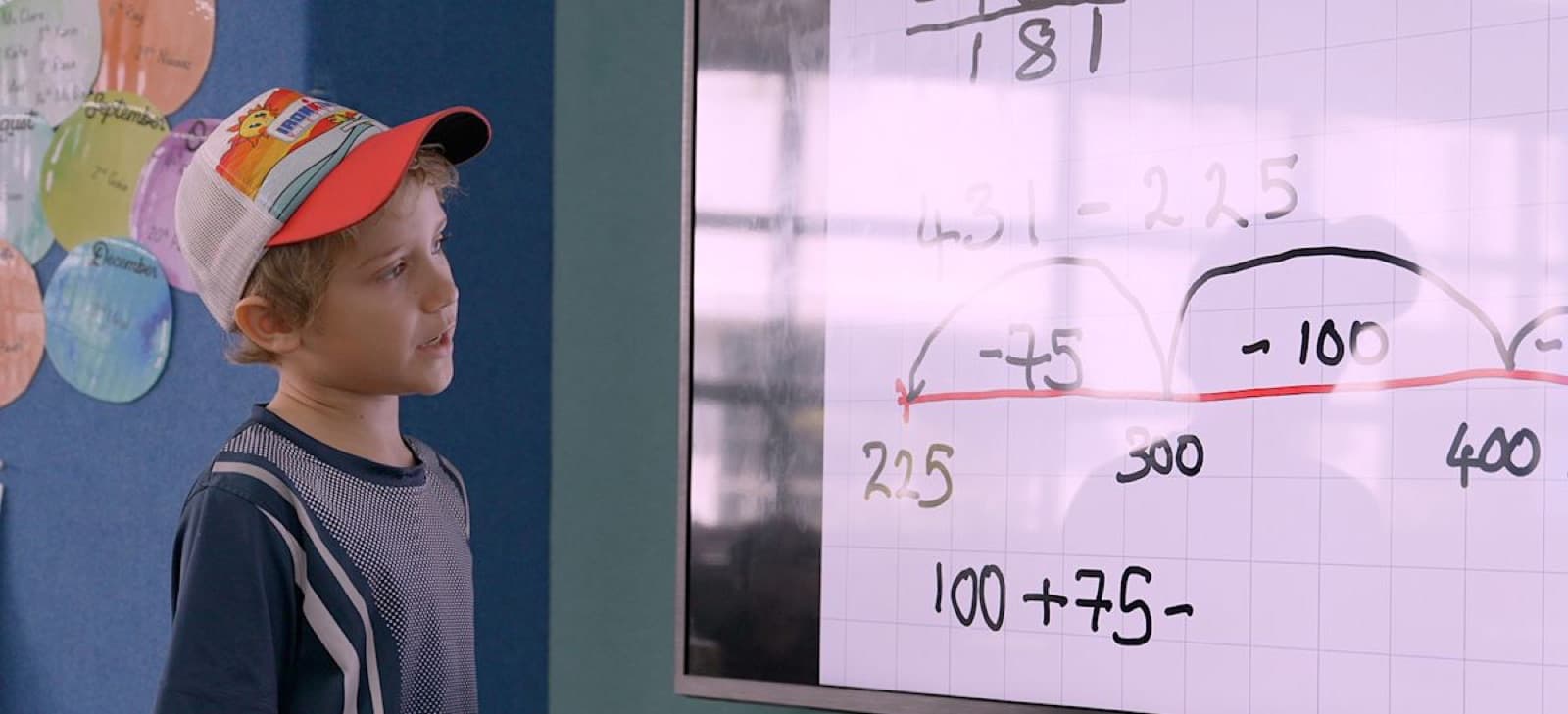
More photographs
Learning, sport, arts and community life create new imagery every week.
More folders
Photographers, teams and school years do not always organise material in the same way.
Less context over time
Names, school years and the reason a photograph matters do not live in filenames alone.
Build on the workflow
teams already know
Begin with the photo source teams already use—often Google Drive in practice, without locking the archive to one provider—and add NIST’s search and review layer around it.
No bulk move or folder restructure is required to begin.
The archive becomes easier to use without taking decisions away from staff.
- 01
Keep the folders teams already use
Photographers and staff can continue with familiar cloud folders.
- 02
Prepare the archive for search
Create private metadata and previews that make the collection easier to browse.
- 03
Search for what is needed
Search by student or activity instead of opening every possible folder.
- 04
Review before using
The system suggests; authorised staff confirm, correct, or reject each result.
The system prepares and suggests. Accuracy, approval and appropriate use remain the responsibility of authorised staff.
More than a concept.
A workflow to test.
The prototype follows the staff journey from browsing the archive, to finding a student, reviewing unclear results, and preparing a selected set of photographs for export.
Photo library
Browse connected folders and the photographs within them.
Find a student
Open relevant photographs from one student record.
Review exceptions
Staff see only results that still need a decision.
Select and export
Collect confirmed photographs for the next use.
Real screens that lead to the right photograph
Rather than mockups, the current pilot demonstrates the actual workflow: library, students, exceptions requiring review, and a controlled export.
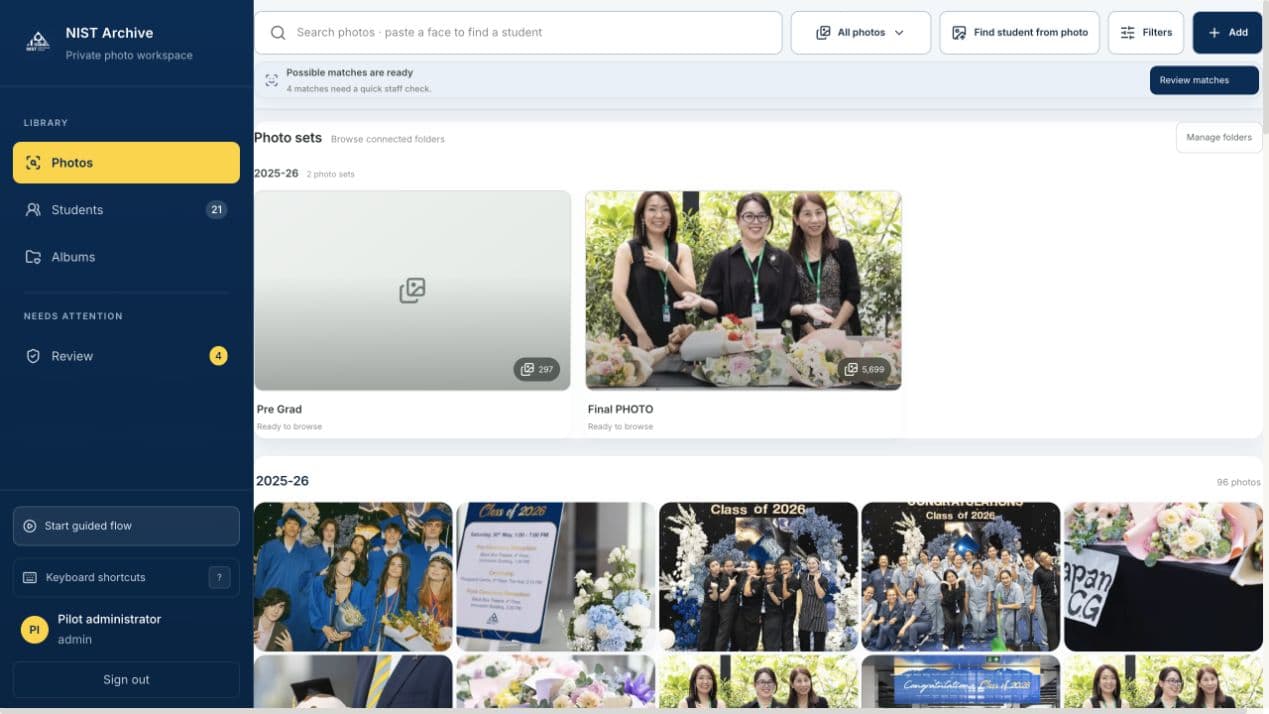
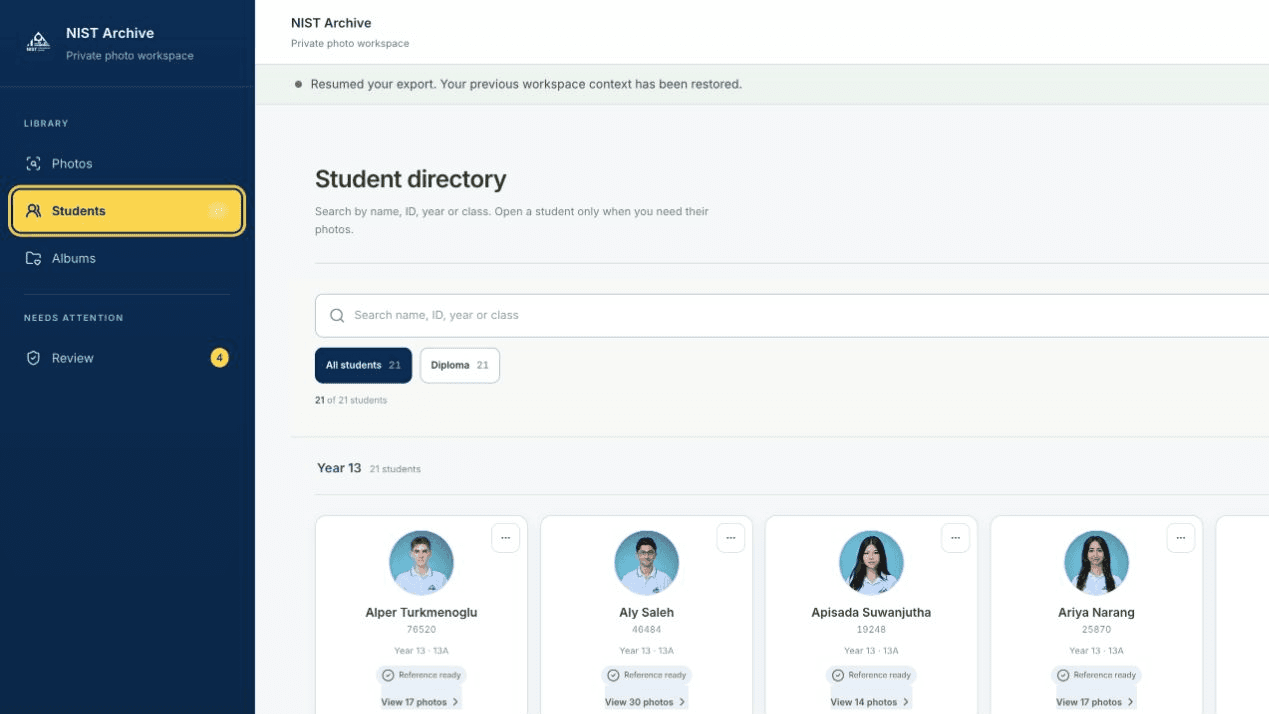
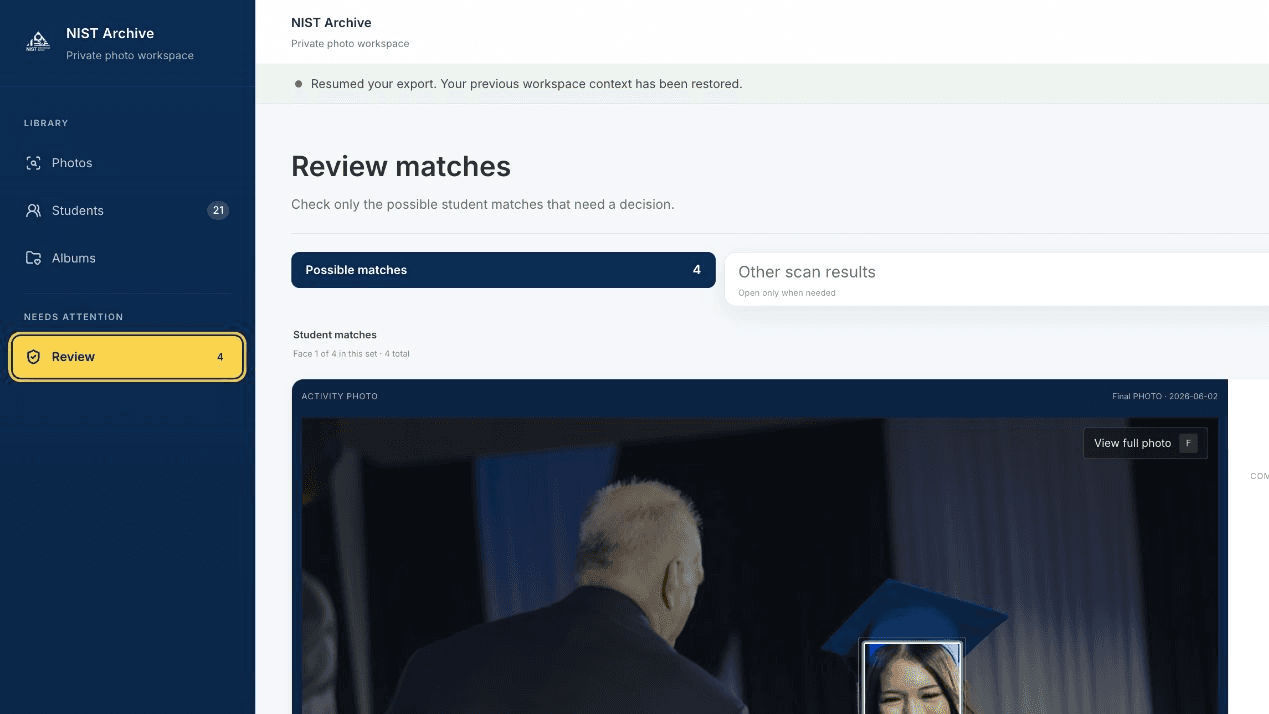
The system suggests.
People decide.
Because this work involves student photography, its pilot needs clear boundaries around data, access and review from the outset.
School-defined access
The school controls who can access the workspace and what each role can do.
No automatic identity approval
A suggested result remains a suggestion until an authorised staff member reviews it.
A bounded starting point
The pilot begins with an agreed data set, user group and operating process.