15 Aug 2026
Student records, Journey, and privacy controls
This changelog records the complete student-focused work added today, not only the final visual polish. The updates connect the Students directory to the long-term Journey: staff can manage cohorts and references, students can progress through NIST year groups, authorised viewers can see privacy state, and former-student records remain preserved and findable.
Student directory & lifecycle
Manage the active roster, progress cohorts, and preserve former-student records.
Students directory is now cohort-first
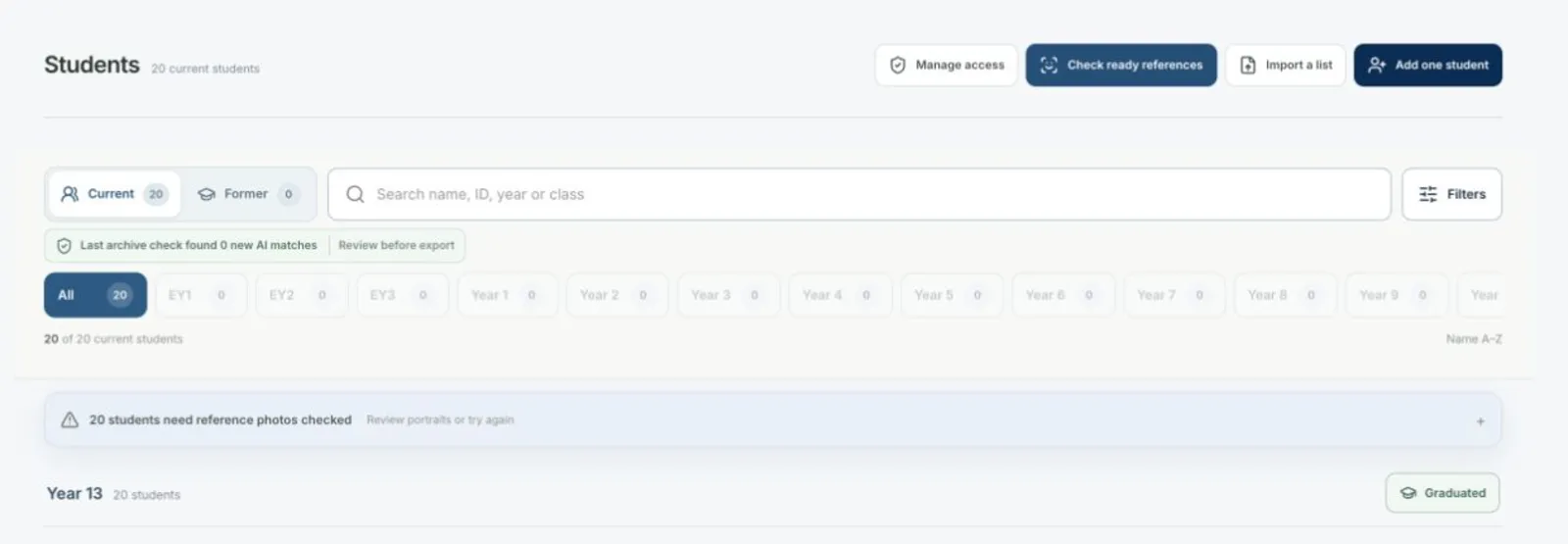
Staff can move between current and former students, search the roster, filter by year/class, and see the right management actions in one compact area.
What changed
The Students page now has Current and Former directories, a clearer search/filter row, every NIST year-group button, reference-readiness signals, and role-aware staff actions. Teacher and guardian views stay limited to their permitted roster scope.
Why
The previous page mixed too many controls into a tall header and made it hard to understand which students were still active.
One-click year progression through Year 13
Staff can advance a whole year group once, with Year 13 turning into a Graduated action.
What changed
The progression flow covers EY1 through Year 13, advances class names when their prefix mirrors the year group, preserves custom class names, requires an effective date and confirmation, and records the cohort operation as an auditable transaction.
Why
Moving students one by one is error-prone and does not match how a school manages an academic-year rollover.
Former-student lifecycle keeps the record intact
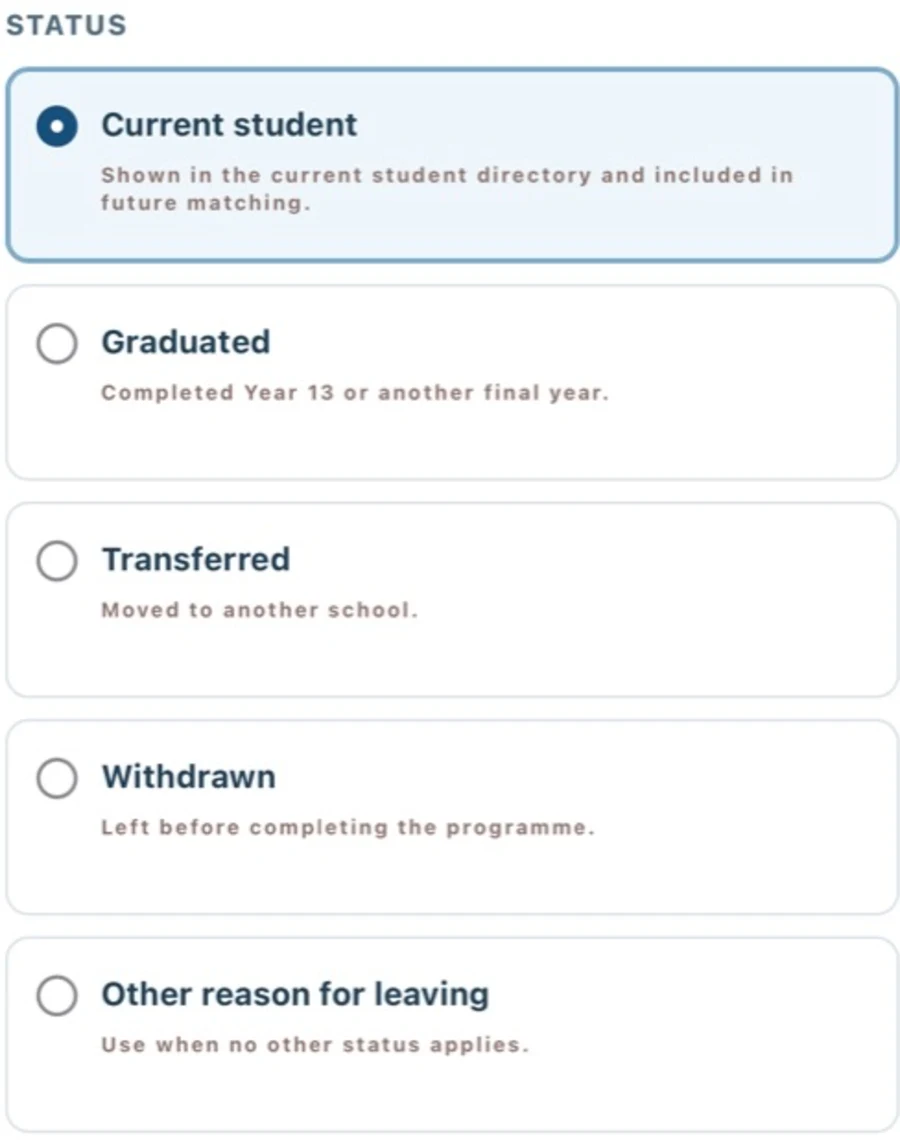
Graduated, transferred, withdrawn, and other former students move to a separate directory without deleting their Journey or references.
What changed
The status flow offers Current student, Graduated, Transferred, Withdrawn, and Other reason for leaving. A departure records an effective date, preserves photos and references, removes former students from automatic matching, and keeps the data available in the former-student directory. The Deceased choice is no longer offered.
Why
A school needs a clear departure workflow while retaining historical records for legitimate archive access.
Journey & matching
Build a long-term photo record with age-stage references and controlled archive matching.
Four age-stage reference portraits

Each student can have one replaceable reference portrait for Early Years, Primary, Middle, and High School.
What changed
Reference records are stored by NIST stage, uploads are additive, replacing one stage keeps the other stages unchanged, and the latest portrait remains the student’s main reference for matching. High School is labelled High School · IB Diploma for Year 12–13.
Why
A single portrait cannot represent a student’s appearance across a journey from age 3 to 18.
Journey is grouped by stage, year, and month
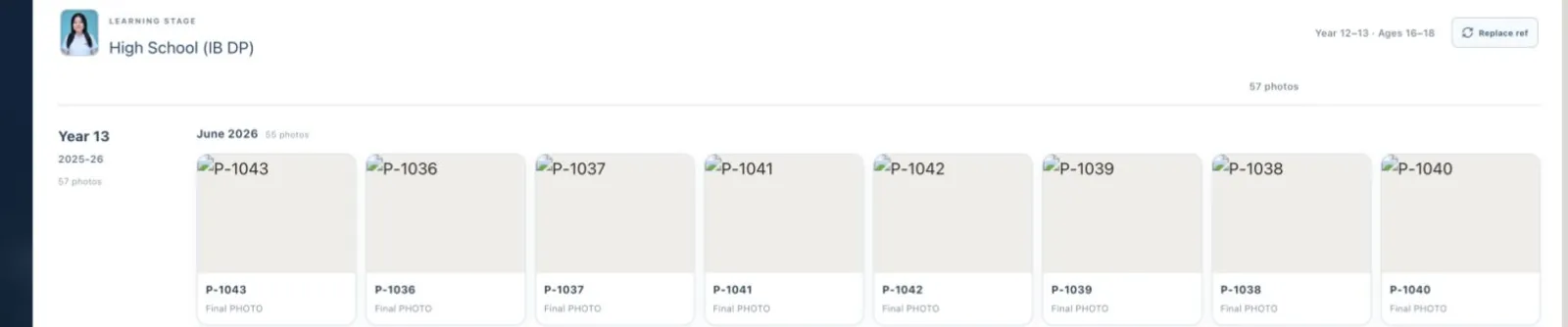
A student’s matched photos can be read as a chronological school record, with eight thumbnails per row on wide screens.
What changed
Journey photos are grouped into learning stage, school year, and month. A populated stage card opens its latest photo, the gallery uses a wider eight-column layout, and the modal uses the available width instead of showing only a few thumbnails.
Why
The old gallery made long-term growth difficult to scan and wasted horizontal space.
Controlled matching for one student or the ready roster
Staff can search for more matches without changing existing decisions or keeping a browser tab open for a long-running job.
What changed
Student Journey includes Find more matches for an authorised ready reference. Students also includes a durable Check ready references queue with progress, budget awareness, cancellation, bounded batches, and a background worker. New AI matches remain review-first before export.
Why
Staff needed a safe way to recover missing archive photos without uncontrolled browser loops or accidental reassignment.
Privacy & access
Make photo-use policy visible while keeping every viewer inside their authorised scope.
Photo-use restriction is visible in Journey

Every authorised viewer can see when a student’s photos are restricted, while only staff/admin can change that policy.
What changed
Journey now shows Photo use restricted, offers Restrict photo use and Allow photo use to staff/admin, and keeps guardians read-only. Restricted photos remain visible for permitted review but require privacy confirmation before export.
Why
Parents and guardians need a clear signal when their child’s photos must not be used, without receiving a control they are not allowed to change.
Teacher and guardian access is scoped server-side
Teachers see their class and guardians see their children, with no school-wide student or face-search workspace exposed.
What changed
The new teacher and guardian roles use shared relationship scopes across student, photo, preview, reference, and export entry points. Access activity is auditable, and catalogue/export queries keep to staff-confirmed links where required.
Why
Read-only family and teaching access must be useful without granting access to unrelated student records.
Photo preview
Move into a full photo and return to the same student Journey without losing context.
Photo preview returns to the open Journey
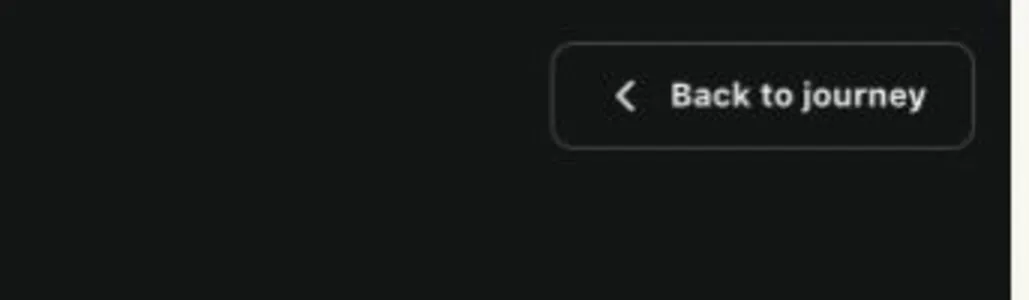
The full-photo preview has a compact horizontal Back to journey control and restores the student context after closing.
What changed
The preview header no longer inherits the oversized oval/grid styling. The arrow and label stay on one line, and the Journey modal remains the return destination instead of leaving the user on a separate dead-end view.
Why
The previous control stacked its icon and text and could lose the Journey context after a thumbnail was opened.