14 Aug 2026
Major update: academic-year archive and safer matching
This major update reorganises the core archive for long-term use and adds controlled matching tools for individual students and the full ready-reference roster. It improves how staff find missing photos while preserving human decisions and keeping ambiguous lookalike results in Review. Historical matching recovery is still in progress; this update does not claim that every legacy face has been indexed.
Photos organised by academic year
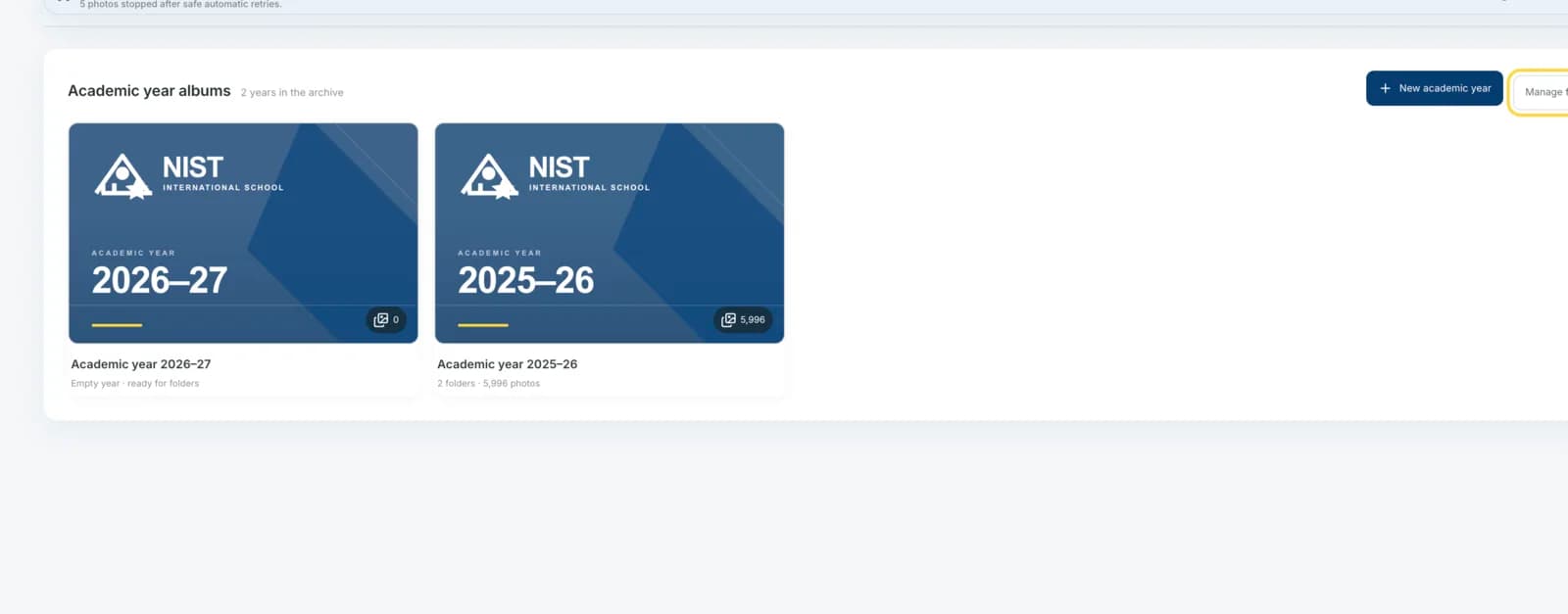
The Photos home now opens as a clear academic-year archive instead of a long wall of recent images.
What changed
Each academic year has a consistent NIST cover, photo count, active or archived state, and a dedicated workspace for its albums and photos. Staff can create historical years, search long archives, load older years progressively, archive or restore a year, and delete only an empty year after typing its exact label.
Why
A chronological archive remains understandable as the school adds decades of photos, while a single recent-photo feed does not.
Album and source libraries prepared for scale
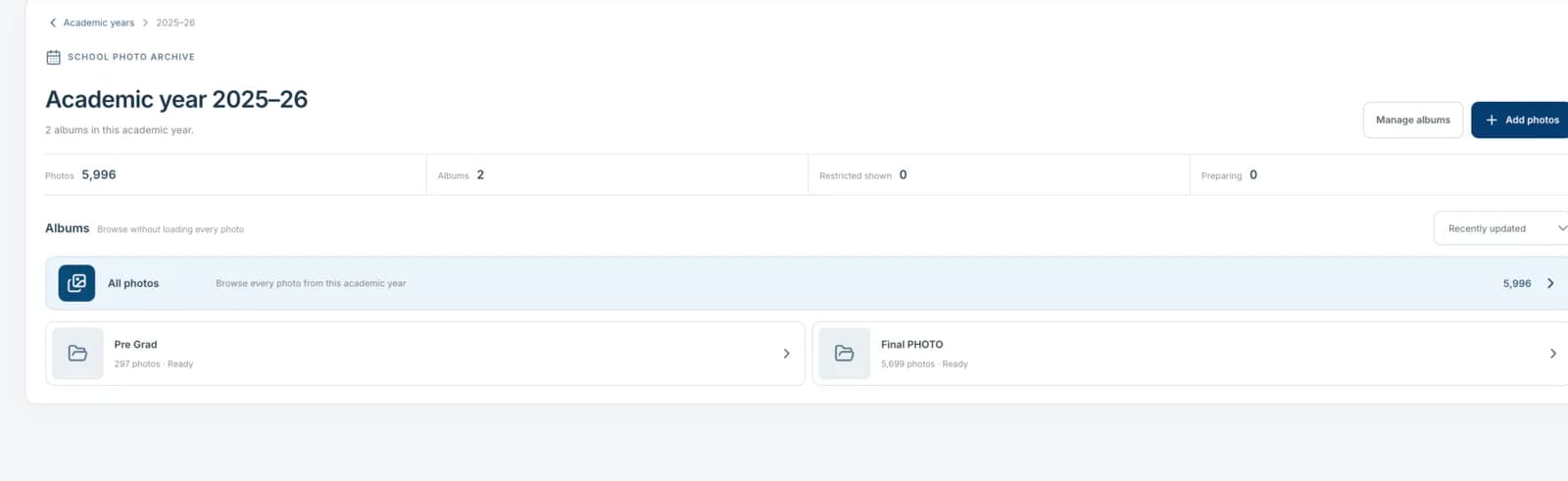
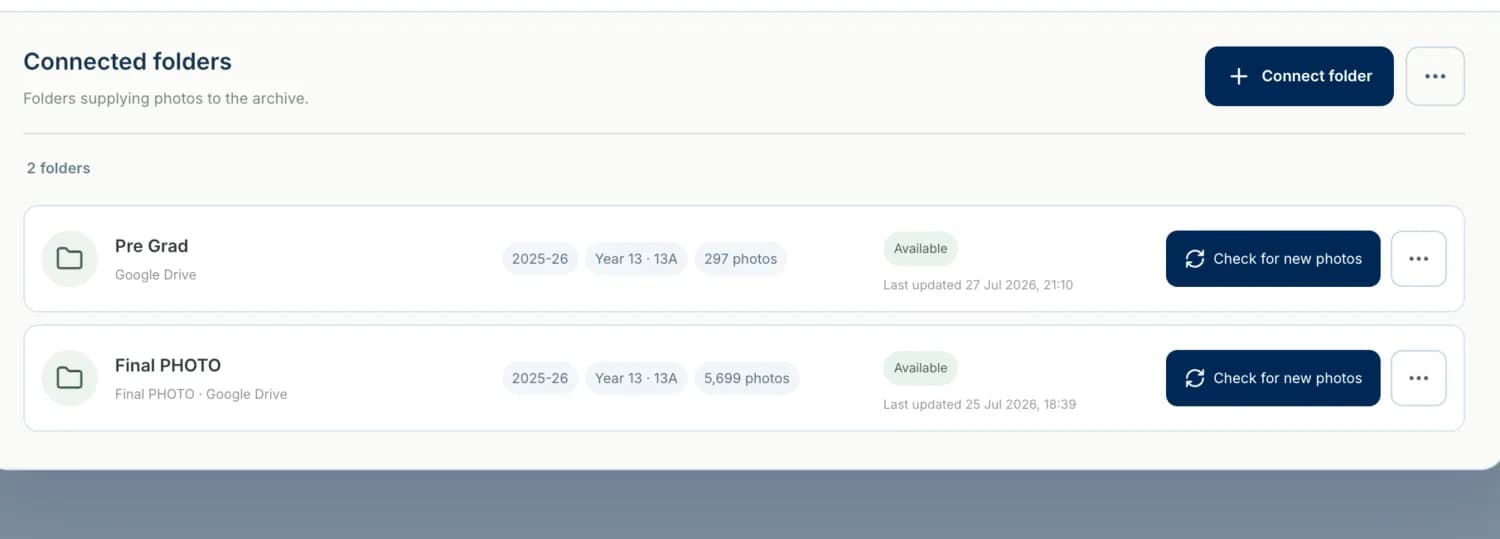
Large year and folder libraries are now browsable without presenting hundreds of oversized cards or one unbounded menu.
What changed
Album lists use search, sorting and compact pagination. Connected photo sources use a denser management view with search, filters, status and row actions. The source picker prioritises recent folders, limits visible results, and asks staff to refine broad searches.
Why
The interface must remain usable when one academic year contains hundreds of albums or the archive contains many connected folders.
Find more matches for one student
An authorised administrator can search a ready student reference against faces already indexed in the archive.
What changed
Student profiles now include a protected Find more matches action when AWS and the reference portrait are ready. The result reloads the photo catalogue without stale cache, highlights only newly linked photo IDs for the current session, and separates new AI matches from photos that were already linked or protected by staff review.
Why
Staff needed a direct way to check a student whose profile appeared incomplete without rescanning every source photo.
Background archive check for all ready references
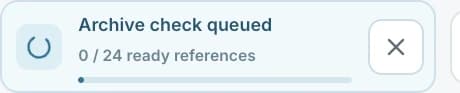
Administrators can queue a single controlled archive check from the Students page and close the browser while it continues.
What changed
The roster-wide action creates a durable PostgreSQL job rather than a browser request loop. Work is leased in small batches, checked against the monthly Rekognition budget, processed by the five-minute automation worker, and can be cancelled. The compact status card reports queued, running and completed progress while the page is visible.
Why
Checking students one at a time does not scale, while sending many uncontrolled requests from the browser would be costly and unreliable.
Safer handling for twins and close lookalikes
A high score alone no longer lets queue order decide between two similarly ranked student references.
What changed
Automatic assignment now requires both a high-confidence top result and a clear margin over the runner-up. Close high-similarity candidates remain in Review. Reverse matching also protects existing staff decisions and prior assignments instead of silently moving a face to another student.
Why
Twins, siblings and close lookalikes require contextual human review; lowering thresholds or accepting the first queued result would create unsafe identity links.
Recovery controls for small and legacy faces
Staff can deliberately run a safe deep check when a legacy photo contains small or unclear faces.
What changed
The Photo Inspector exposes Run safe deep check only for low-quality legacy evidence and explains that existing staff decisions remain unchanged. Group-photo gates allow a bounded recovery profile for smaller faces while keeping normal processing conservative.
Why
Many historical group photos contain faces too small for the normal search gate, but deep analysis should be an explicit exception rather than the default for every image.
Matching progress and limits made explicit
The product now distinguishes a completed request from complete archive coverage.
What changed
Matching results report new photos, already-linked candidates, staff-reviewed faces and protected outcomes separately. Queue progress is durable and budget-aware. Historical archive indexing remains a monitored recovery task, so the changelog does not present low student photo counts as proof that no other photos exist.
Why
A successful job can legitimately add no new photos when candidates are already protected or when legacy faces have not yet entered the archive index.